Case Study
Completing this case study
-
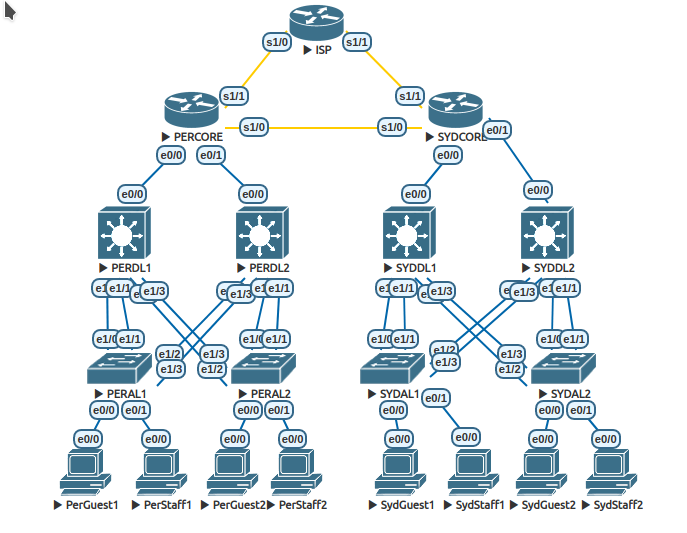
This case study is intended to be completed using the provided EVE topology file. Access the file via the “EVE topology Files” link in the navigation bar on the left.
-
The case study assumes that you can access an EVE environment with the correct router and switch IOS versions. If you are a Murdoch University student enrolled in one of the author’s units, you can access this environment via a virtual machine in our data-centre or download a local copy and run it on your personal computer. Students can find details for both options on the Learning Management System (LMS) for your unit.
-
Once you have imported the EVE topology into the EVE emulator, you are ready to work through the case study materials by accessing the sections in the navigation bar on the left. In general you should work from the top down.